
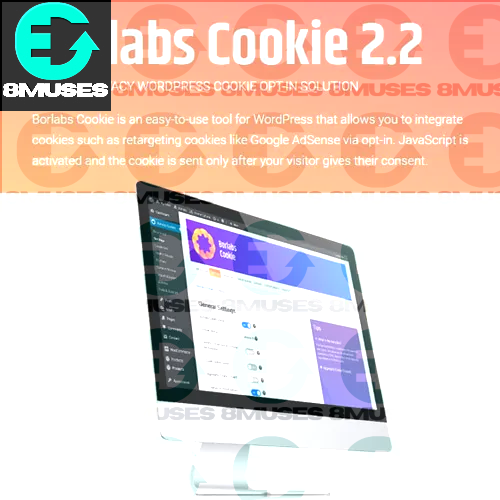
Borlabs Cookie Opt-in GPL WordPress Plugin
8,00$
- GDPR, CCPA, and ePrivacy ready
-
Fully customizable consent banner
-
User controlled cookie categories
-
YouTube and Vimeo cookie control
-
Multilingual and translation ready
-
WordPress cookie consent and opt-in plugin
-
Blocks cookies until user permission is given
-
Works with Google Analytics & Facebook Pixel
22 people are viewing this product right now
🔥 3 items sold in last 3 hours
Once the privacy laws began to tighten, I saw that many WordPress websites were either making the request of cookie consent overly complex or were addressing it improperly. Borlabs Cookie Opt-in GPL is one of them. It provides me with complete authority over cookies and monitoring without damaging the user experience and site performance. This plugin is better than coercing cookies to visitors, as they are allowed to make their own choice. The cookies can only become active once consent is provided, and this is precisely how it is supposed to be.
Why I Trust Borlabs Cookie
The most interesting thing about Borlabs Cookie is their balanced nature. It also respects the need to be law-abiding, yet does not send it covered with pop-ups and warnings. It is all tidy, well organized and can be handled by anyone without any problem using WordPress. This plugin changes with ease whether I am working on a blog, business webpage or when working with a client.
How It Works
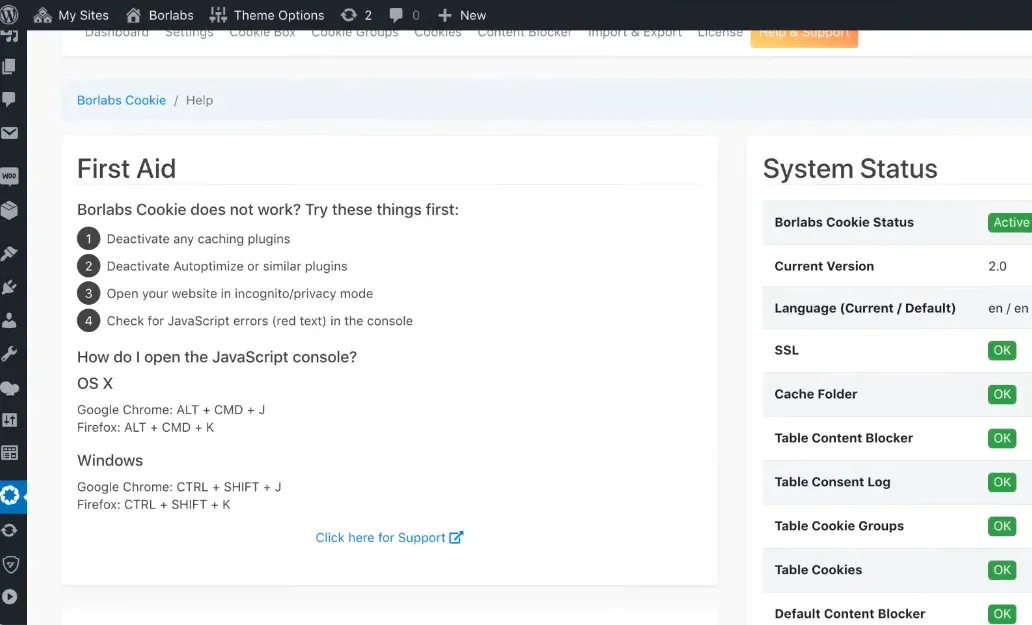
Once installed, Borlabs Cookie automatically blocks cookies and third party scripts. Visitors see a clear consent banner where they can
-
Accept all cookies
-
Decline non essential cookies
-
Choose exactly which categories they allow
Key Features I Actually Use
I can decide exactly which cookies load and when. Essential cookies can stay active, while tracking and marketing cookies wait for approval.
Custom Cookie Categories
I can organize cookies into categories like
-
Essential
-
Statistics
-
Marketing
-
External Media
Third Party Services Made Easy
-
Google Analytics
-
Google Ads
-
Facebook Pixel
-
YouTube & Vimeo embeds
-
Custom scripts
How It Works
I can change
-
Banner text
-
Button labels
-
Colors and layout
-
Banner position
Multilingual Support
For multilingual websites, Borlabs Cookie works perfectly. I can show consent messages in different languages and keep everything consistent across regions.
Beginner Friendly Dashboard
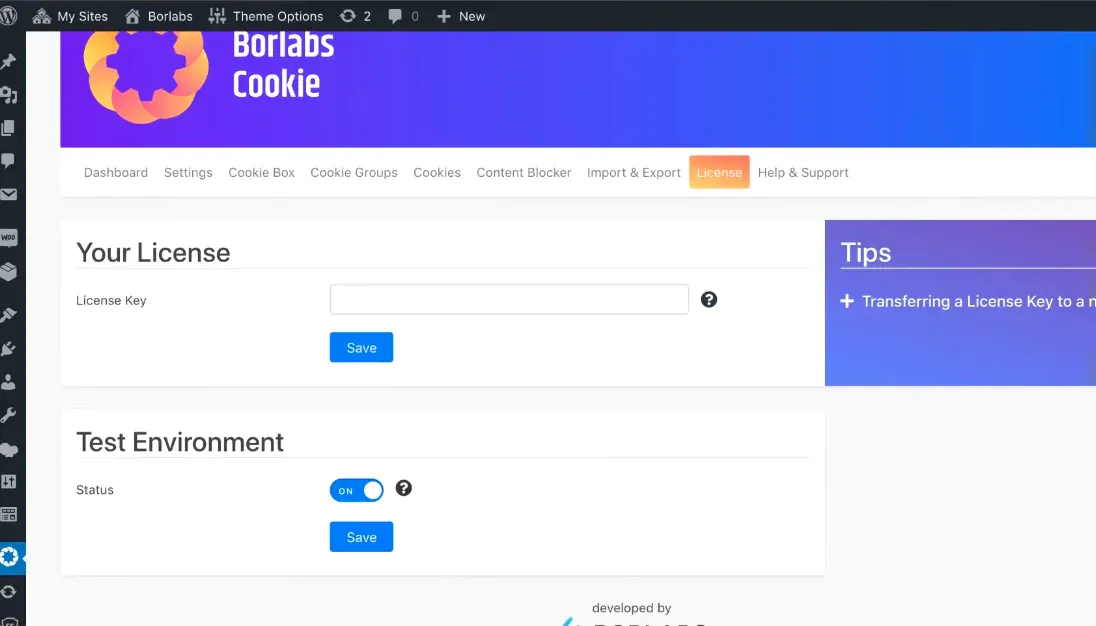
I don’t need to touch code. The admin panel is clean, logical and easy to understand even for non technical users.
Performance Matters to Me
GPL License
-
Use it on unlimited websites
-
Modify it if needed
-
Share it without restrictions
System Requirements
-
WordPress 5.0 or higher
-
PHP 7.2+
-
Compatible with most themes and plugins
Who I Recommend This Plugin For
-
Website owners who want privacy compliance without stress
-
Businesses serving users in GDPR or CCPA regions
-
Developers and agencies building WordPress sites
-
Bloggers and store owners who care about transparency
Final Thoughts

Related products






You may add any content here from XStore Control Panel->Sales booster->Request a quote->Ask a question notification
At sem a enim eu vulputate nullam convallis Iaculis vitae odio faucibus adipiscing urna.
Reviews
There are no reviews yet.